Use Descriptive Local Dev URLs with dnsmasq on macOS
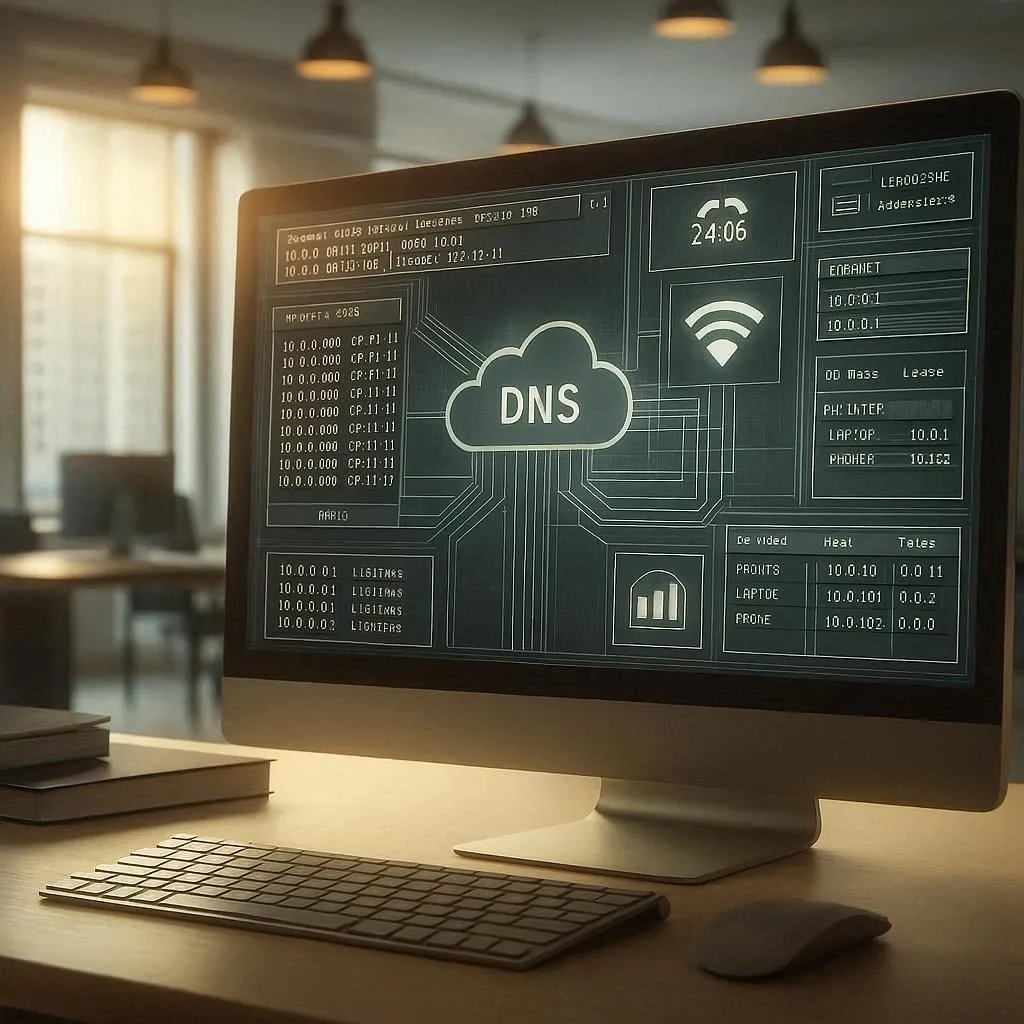
I don’t want to point to localhost all the time. I would like to use *localdev.me instead.
And, I also don’t want to modify my hosts file for every subdomain.
During local development I prefer URLs that actually mean something. Likecouchbase.localdev.me, rabbit.localdev. me, myproject.localdev.me. A local proxy routes traffic to the right service, and *.localdev.me resolves
cleanly back to 127.0.0.1. Here’s how to set it up on macOS using dnsmasq.
brew install dnsmasqEdit the dnsmasq config file — one of these paths will exist depending on your setup:
/opt/homebrew/etc/dnsmasq.conf$(brew --prefix)/etc/dnsmasq.confAdd:
address=/localhost/127.0.0.1address=/localdev.me/127.0.0.1This tells dnsmasq to resolve all *.localdev.me subdomains to 127.0.0.1.
macOS needs an explicit resolver entry so it knows to hand .localdev.me queries to dnsmasq rather than your
upstream DNS.
Create the resolver directory (if it doesn’t already exist)
sudo mkdir -p /etc/resolverCreate the resolver file
sudo vi /etc/resolver/localdev.meAdd these contents
domain localdev.mesearch localdev.menameserver 127.0.0.1Reload macOS DNS
sudo killall -HUP mDNSResponderbrew services start dnsmasqCheck that the resolver is registered:
scutil --dnsYou should see localdev.me listed under Resolver Configuration.
Test a subdomain:
ping subdomain.localdev.meIt should resolve to 127.0.0.1.
That’s it. Any *.localdev.me subdomain now resolves locally, so you can spin up as many named services as you
need without touching /etc/hosts.
Cheers,
Anton
Originally published on Medium: https://medium.com/@antonkronaj/use-descriptive-local-dev-urls-with-dnsmasq-on-macos-f0d1a8c84842
A concise guide on configuring a local development proxy using Docker and NginX Proxy Manager, detailing setup steps, service routing, and benefits for managing multi‑service environments.
3 min readIn this article we'll generate a key and a root certificate to use in generating other certificates. This can be helpful if you run many applications during development that need ssl certificates. We generate a root certificate so we can trust the root cert once, and all our generated certificates will be honored by our operating system.
4 min readBuilding an MCP server for ResuRank taught me more about macOS code signing and stdout than I bargained for. This is a walkthrough of what broke — DXT distribution killed by Apple's Library Validation, pdf.js corrupting the JSON-RPC channel — and the practical decisions that followed.
7 min read