What I Learned Building an MCP Server with Claude: From stdio to DXT and Back
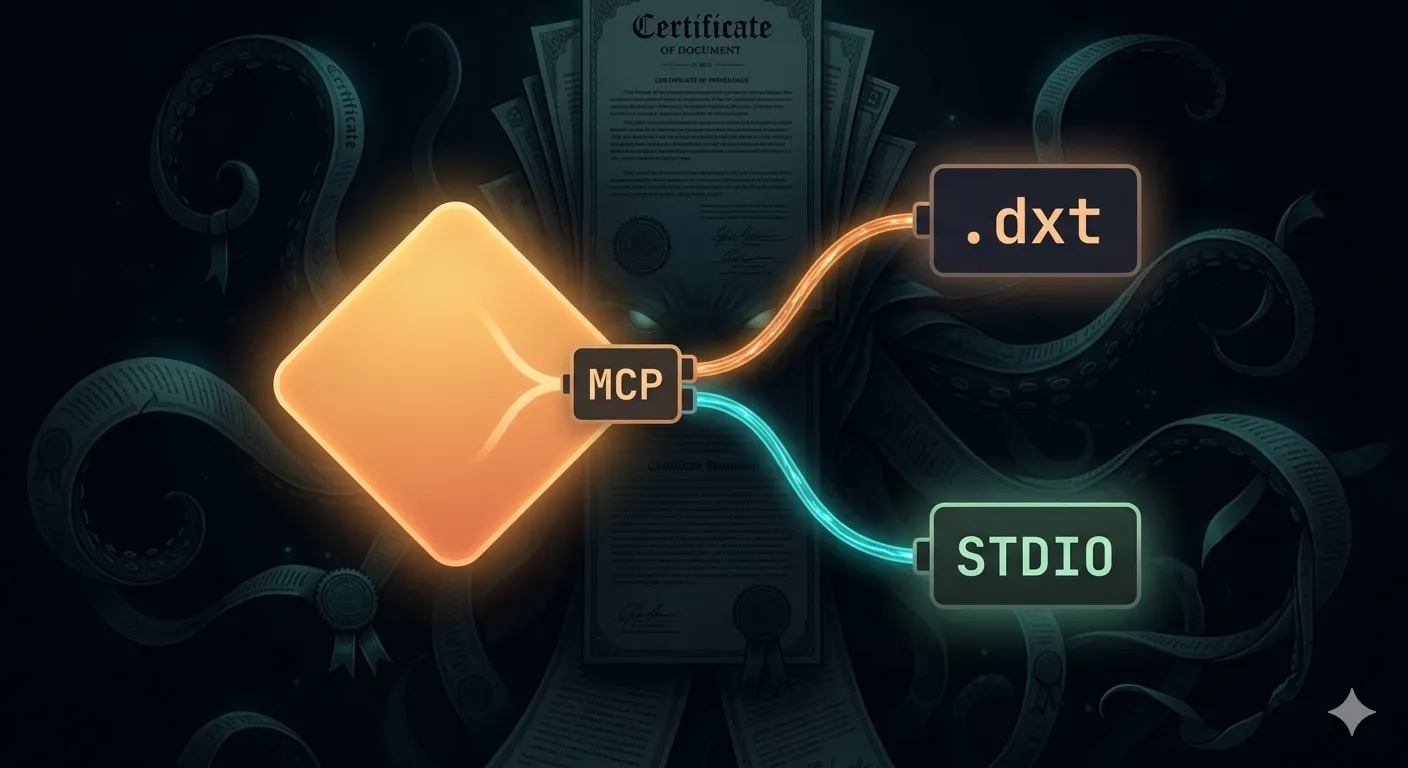
When I started integrating ResuRank, a resume-scoring Electron app, with Claude Desktop via the Model Context Protocol, I expected it to be straightforward. Add a JSON-RPC server, point Claude at it, done. It wasn’t. Here’s what actually happened.
The spec describes MCP as a protocol for connecting AI models to external tools. In practice, for a Node.js developer, it means you write a small process that speaks a JSON-RPC dialect over stdin/stdout, declare your tools in a manifest, and Claude Desktop spawns it as a child process. Every tool call is a round-trip: Claude writes a request to your stdin, you write a response to your stdout.
That “stdout is the channel” constraint sounds trivial. It isn’t. More on that below.
The server I built , resurank-mcp , exposes a single tool, resurank_score, that loads a resume from disk, runs it through a hybrid scoring engine (60% embedding-based semantic similarity, 40% TF-IDF keyword overlap), and returns a structured JSON result. Everything runs on-device; the embedding model is downloaded once from Hugging Face and reused. Thats right, ResuRank does not use Claude for its semantic similarity, it uses a downloaded tiny model.
Claude Desktop supports two ways to run an MCP server:
npx) — you register a command and args in claude_desktop_config.json. Claude Desktop spawns it fresh on startup. Simple, universal, requires Node.js on the user’s machine..dxt file is a zip containing your
server code, its production node_modules, and a manifest.json. Claude Desktop unpacks and runs it without requiring the user to have Node.js installed.I implemented both. The npx path worked. DTX, Wa a black hole for me.
The scoring engine depends on onnxruntime-node, which ships a prebuilt native
module: onnxruntime_binding.node.
This module is signed by Microsoft. Claude Desktop is signed by Anthropic with hardened runtime enabled.
Apple’s Library Validation policy refuses to load a native binary signed by one team inside an app signed by another
— so when Claude Desktop tried to load the ONNX runtime from inside the DXT bundle, macOS killed it silently. The embedding never ran.
I thought the fix would be to unsign the native module. An unsigned (“ad-hoc”) binary should satisfy Library Validation as long as the app’s entitlements don’t explicitly require a team-ID match. It didn’t work on Mac**.** The ONNX runtime still failed to load. Whether this was due to additional entitlement restrictions on Claude Desktop’s sandbox, a subtlety in how Electron enforces library validation, or something else in the DXT unpacking environment — the result was the same: no embedding, no semantic scoring, silent failure.
There was no clean path forward. The native dependency is not one I control, re-signing it with my own certificate isn’t possible without Apple’s tooling and notarization, and patching around macOS Library Validation from the outside is not a supported approach. DXT distribution was dropped like a bag of bricks. The server ships via npm instead, where Node.js runs it as an independent process outside Claude Desktop’s signing context, and the ONNX runtime loads without issue.
If your MCP server has a native .node dependency signed by a third party, DXT on macOS is likely a dead end until Anthropic adds a sanctioned re-signing or entitlement mechanism.
While debugging the DXT signing issue, I ran into a second, separate problem: Invalid JSON-RPC message errors in Claude Desktop’s MCP log.
When loading a PDF resume, pdfjs writes diagnostic warnings to console.log.
In a browser, that goes to the DevTools console and is harmless. In a Node.js stdio MCP server, console.log goes to stdout — the same channel Claude Desktop reads for protocol messages. Anything that isn’t valid JSON-RPC corrupts the frame.
The fix:
pdfjs.GlobalWorkerOptions.verbosity = 0;One line, but it took a while to find because the corrupted output was swallowed by Claude Desktop’s log parser rather than shown as a legible error.
In an stdio MCP server, treat stdout as sacred. Don’t let any library write to it directly. Redirect or suppress all third-party logging to stderr.
After the server was stable, I saw that Claude sometimes said it had no resume tool. The tool was registered, the server was running, but Claude wasn’t finding it.
Claude Desktop loads MCP tools lazily. They aren’t surfaced in a conversation automatically; the model needs a reason to look for them. The workaround has two parts:
Priming phrases: Saying “use the resurank tool” tells Claude to scan its registered MCP tools, where it finds resurank_score. Generic phrasing like “score my resume” sometimes didn’t trigger the lookup.
The prompts capability: MCP servers can also expose prompts — named message templates that appear in Claude Desktop’s +// picker. Adding a score-resume prompt that injects a ready-made opener means users get a UI affordance that both surfaces the tool and primes the conversation in one click:
server.setRequestHandler(ListPromptsRequestSchema, async () => ({ prompts: [{ name: 'score-resume', description: 'Score your resume against a job posting', }]}));This is documented behavior, but easy to overlook. If your tool doesn’t consistently appear, add a prompt.
The MCP server runs as a standalone Node.js process, outside any packaging or bundling, invoked by Claude Desktop via npx.
For users without the desktop app, a one-command bash installer handles everything:
bash <(curl -fsSL https://raw.githubusercontent.com/antonkronaj/resurank/main/packages/mcp-server/install.sh)It checks for Node.js and Claude Desktop, prompts for the resume path, and writes the config entry. Nothing to download manually, no JSON editing.
For users with the ResuRank Electron app, there’s a Connect button in Settings. The app locates the Node.js installation on the machine, writes the resurank entry into claude_desktop_config.json without touching any other existing MCP server entries, exports the resume to a managed file, and sets the environment variable RESUME_PATH to point at it. Whenever the resume is edited inside the app, the file updates automatically — no reconnecting or restarting Claude Desktop required.
claude_desktop_config.json ends up with:
{ "mcpServers": { "resurank": { "command": "npx", "args": ["-y", "resurank-mcp"], "env": { "RESUME_PATH": "/absolute/path/to/resume.pdf" } } }}Claude Desktop spawns the server as a child process at startup. Because it runs as an independent Node.js process, macOS evaluates the ONNX runtime’s native module against Node.js, not against Claude Desktop, and it loads without any signing conflict.
The first resurank_score call downloads the ~25 MB embedding model from Hugging Face and caches it in the standard Hugging Face directory for the system it’s running on. Every subsequent call is fast. The server also stats the resume file on every call, so editing the resume on disk and re-scoring picks up the change immediately without restarting anything.
The DXT detour added complexity, surfaced a hard macOS blocker, and ultimately contributed nothing but knowledge. The npx path was the right answer from the start.
console.log unconditionally, and any native module that writes diagnostic output..node binary in your bundle signed by a team other than Anthropic’s must be stripped with codesign --remove-signature before packaging.node_modules. For servers with large native dependencies (ONNX, image processing, etc.), weigh that against the npx path, which pulls from the global cache instead.node dist/index.js and feed it raw JSON-RPC on stdin before wiring it into Claude Desktop. Problems that surface in the Claude UI are much harder to diagnose.Cheers,
Anton
A step-by-step guide on how to set up wildcard DNS using dnsmasq on macOS, allowing developers to use meaningful local development URLs like couchbase.localdev.me instead of localhost. The setup process includes installing dnsmasq, configuring it, creating a DNS resolver, and verifying the configuration, making local development cleaner and more efficient.
2 min readA concise guide on configuring a local development proxy using Docker and NginX Proxy Manager, detailing setup steps, service routing, and benefits for managing multi‑service environments.
3 min readIn this article we'll generate a key and a root certificate to use in generating other certificates. This can be helpful if you run many applications during development that need ssl certificates. We generate a root certificate so we can trust the root cert once, and all our generated certificates will be honored by our operating system.
4 min read